Kapālins for Microsoft 365 & Copilot
Copilot is the AI most of your people already have. Kapālins reads every Copilot interaction straight from Microsoft’s Unified Audit Log, with no Sentinel or Log Analytics workspace in the path, and joins it to the rest of your Microsoft estate: Entra grants, SharePoint oversharing, sensitivity labels and Azure OpenAI deployments the gateway has never seen.


Every Copilot interaction, attributed
Who asked Copilot what, in which app, against which files, from the Office 365 Management Activity API with one admin-consented permission.
Oversharing found before Copilot finds it
SharePoint oversharing and sensitivity labels are checked, so the files Copilot can surface to the wrong person show up first.
Copilot in the same evidence chain
Copilot activity feeds the same incidents, Trust Index and compliance evidence as your gateway and devices.
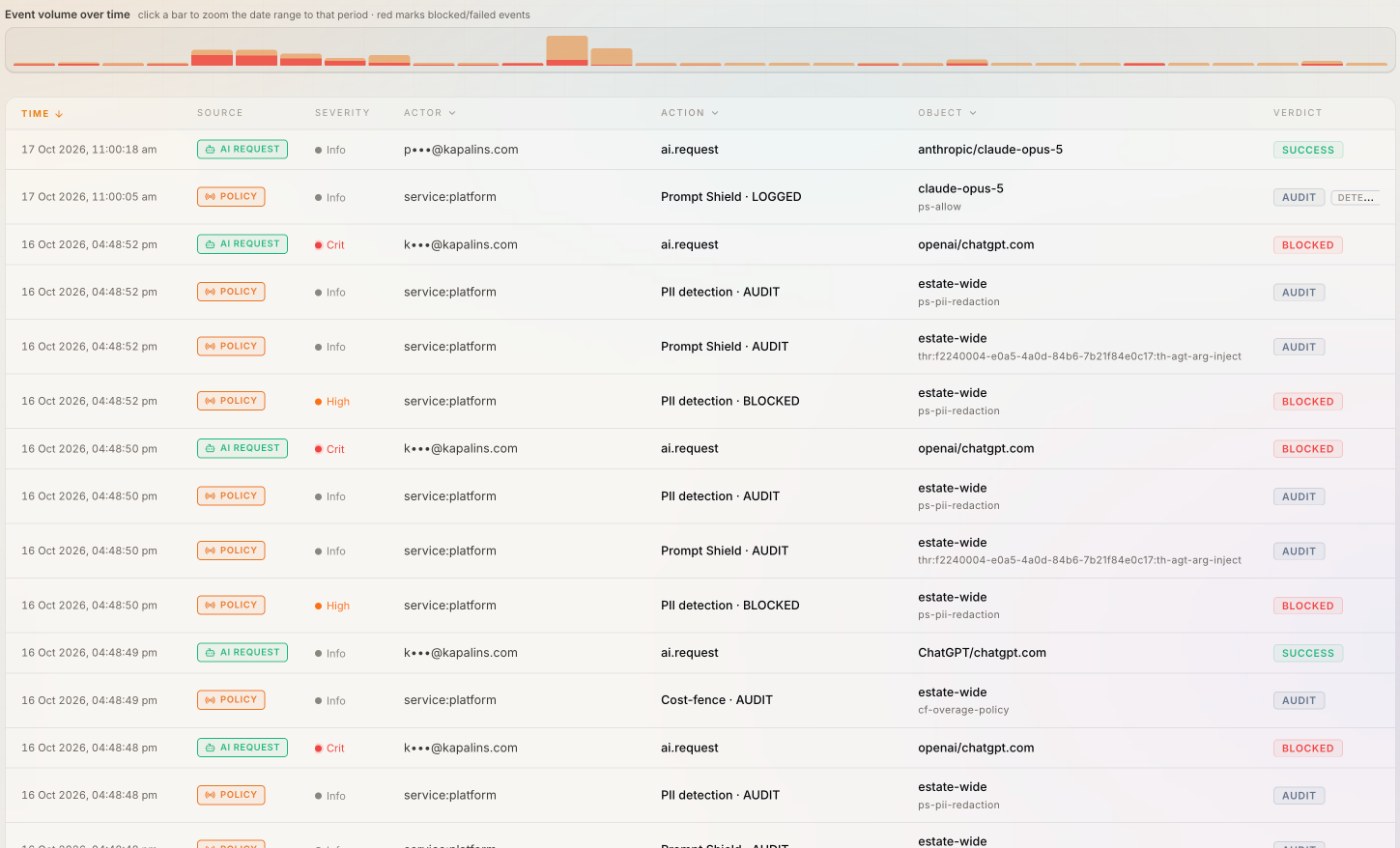
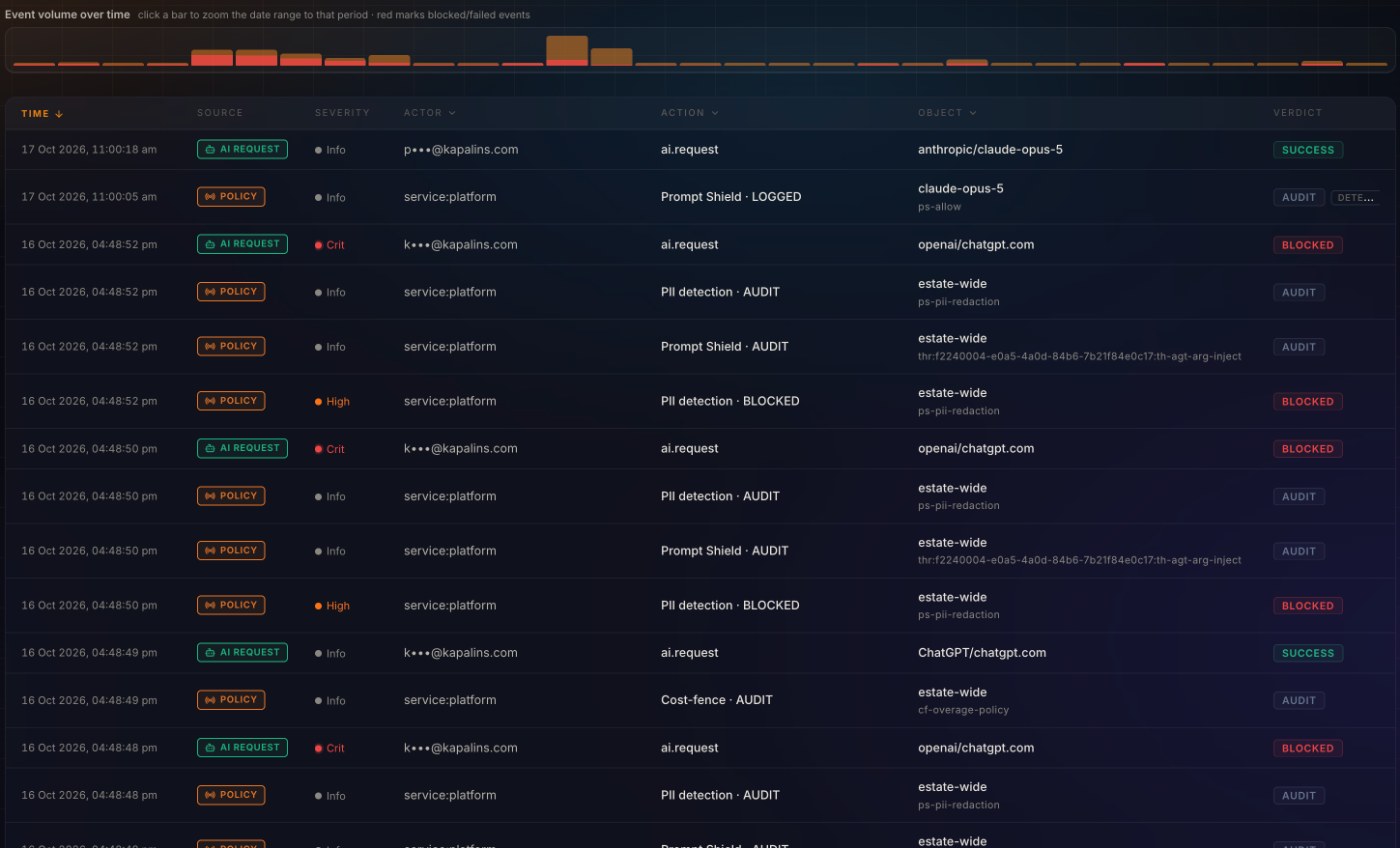
Microsoft 365 & Copilot in the same timeline as everything else.
Kapālins reads the Office 365 Management Activity API every 15 minutes, turns each record into one event shape, and attributes it to a person from your directory.
- A high-water mark, so nothing is read twice or skipped
- The raw record kept exactly as it arrived
- Source label "Microsoft 365 & Copilot" on every row
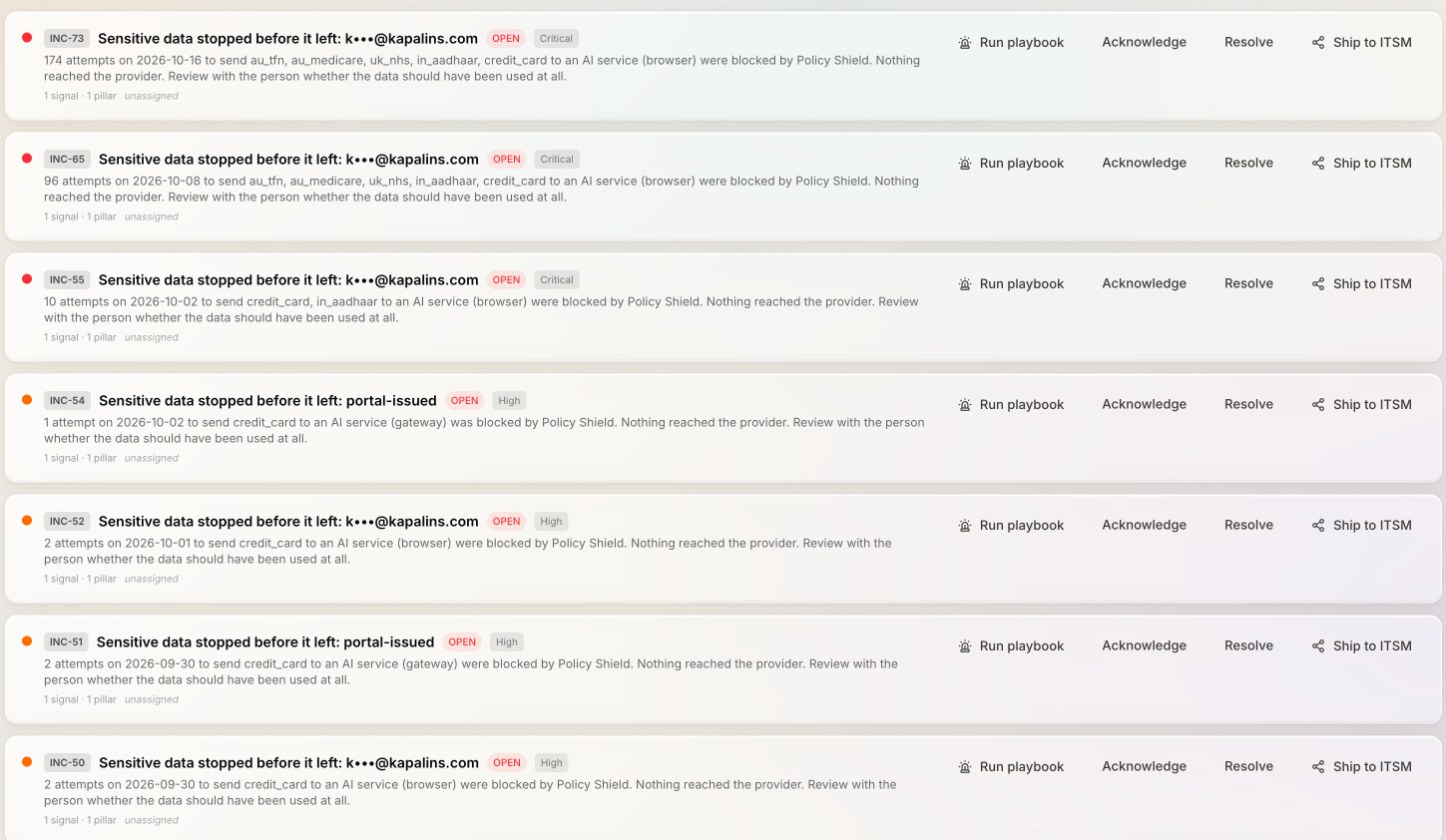
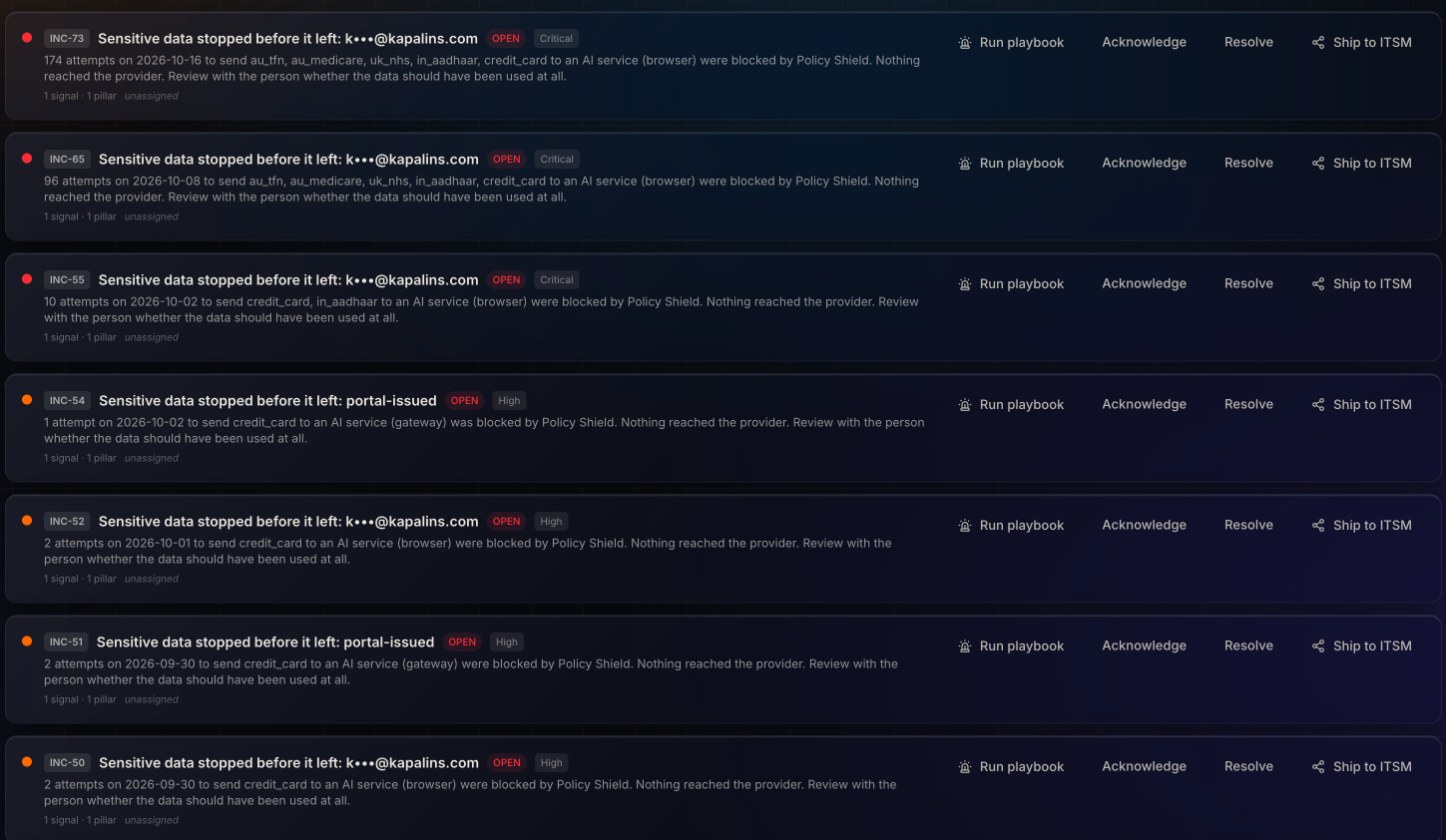
A finding, not a log line.
Rule families and custom checks run on Microsoft 365 & Copilot events after the fact. What matters opens an incident with the person, the rule and the evidence, and is pushed to your SIEM or ITSM.
- Mute, risk-accept or escalate from the card
- Notification clocks start when an incident is reportable
Counted in the number the board reads.
Microsoft 365 & Copilot activity feeds the AI Trust Index and the compliance obligations it proves, so it is governed rather than exempted.
- Obligation, control, artifact, verification in one chain
Four steps.
- Grant a read credentialAn Entra application with the ActivityFeed.Read permission, admin-consented.
- Paste it in KapālinsIntegrations › Microsoft 365 & Copilot › Create. A live read validates it before anything is stored.
- Watch the first sweepLogs shows each event with its source, the person and the rules that fired.
- Tune the rulesMute, risk-accept or escalate from the incident card.
See Microsoft 365 & Copilot governed in thirty minutes.
Bring the person who holds the credential. We connect it live and watch the first events land.
Questions buyers ask.
Does Kapālins change anything in Microsoft 365 & Copilot?
No. The connector reads with the credential you grant, or receives what the platform pushes. Nothing is written back.
How current is the timeline?
Pulled sources are swept every 15 minutes; pushed sources arrive as they happen. Each window overlaps the last, so a late record is caught next time.
Where is the credential kept?
Encrypted at rest with AES-256-GCM, decrypted only inside the ingestion job and the connect-time validation, never returned to the browser or written to a log.