Kapālins for Ping Identity
People and groups from Ping Identity. Every plane of Kapālins, the gateway, the workspace and the laptop, knows who the person is, which group they belong to and which policy applies to them.



Policy by group, not by spreadsheet
Roles and AI entitlements follow the groups you already keep in Ping Identity. Move a person and their access moves with them.
Leave once, lose access everywhere
De-provisioning in Ping Identity removes the person from the gateway, the workspace and the device plane in the same sweep.
One identity across planes
Gateway verdicts, workspace sessions and device events all name the same person, so an incident reads as one story.
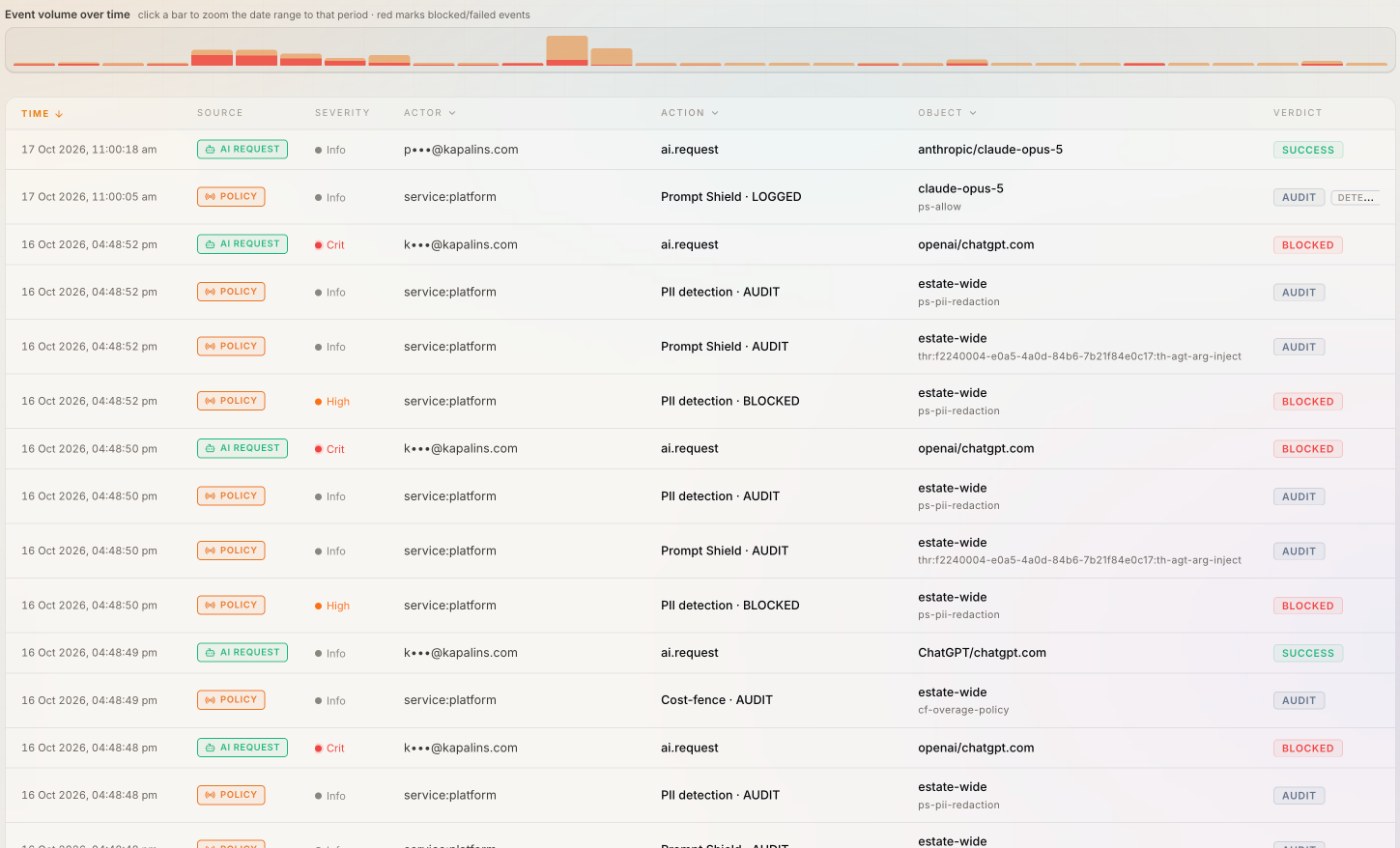
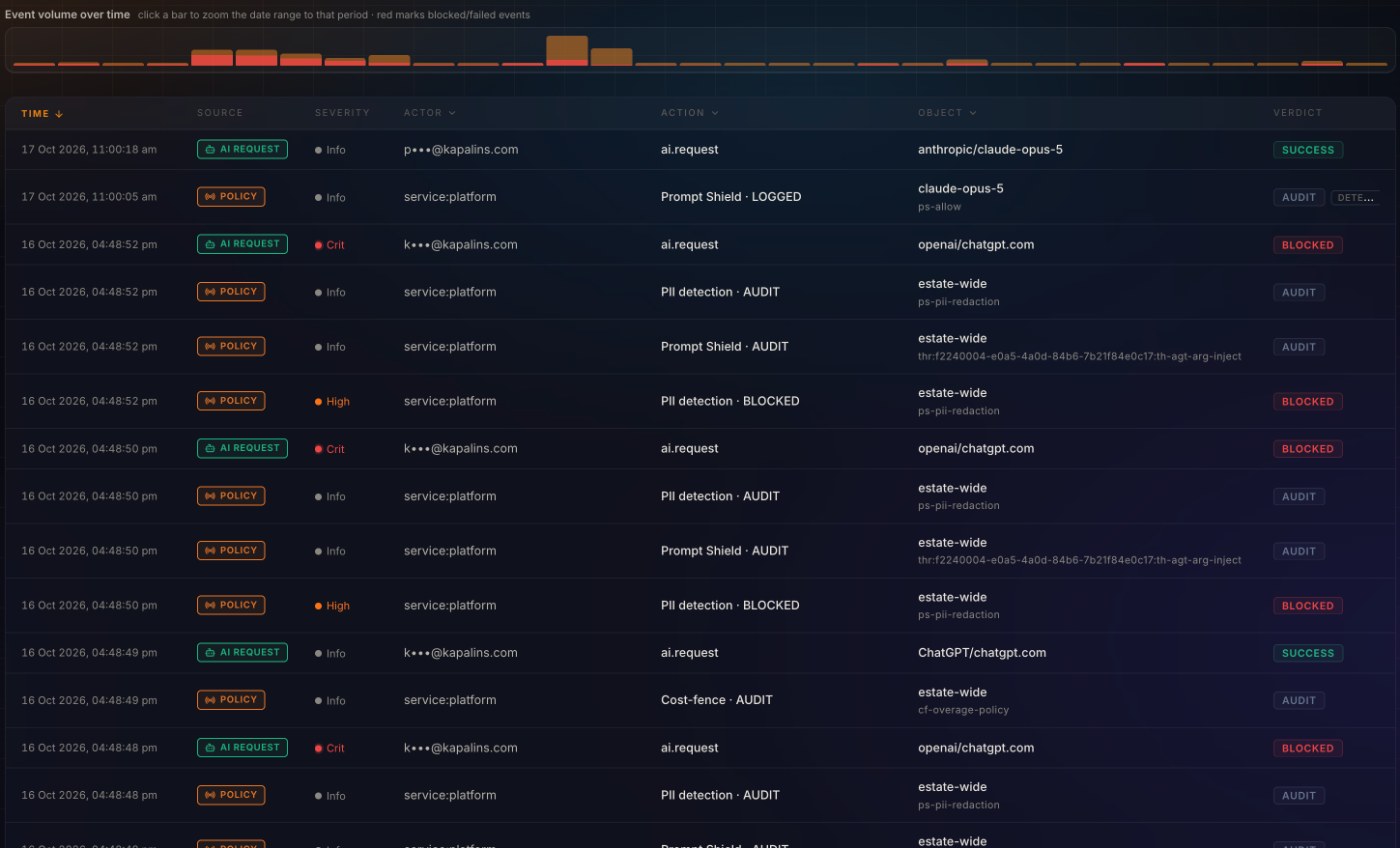
Every verdict names a person.
Because people and groups arrive from Ping Identity, every row in the timeline carries a person and a group, not an API key or a username string.
- SCIM 2.0 keeps people and groups current
- Only people assigned to the Kapālins app are imported
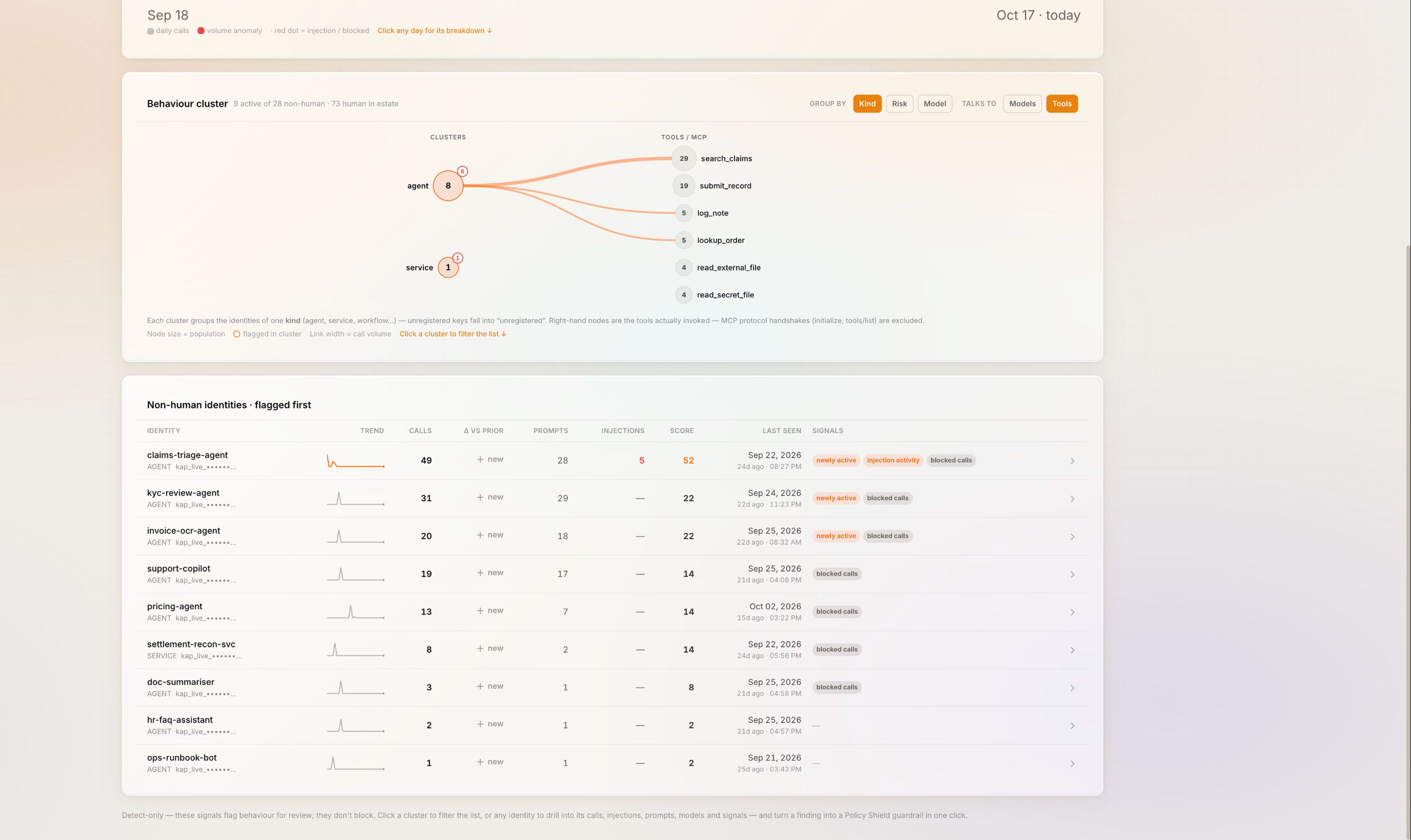
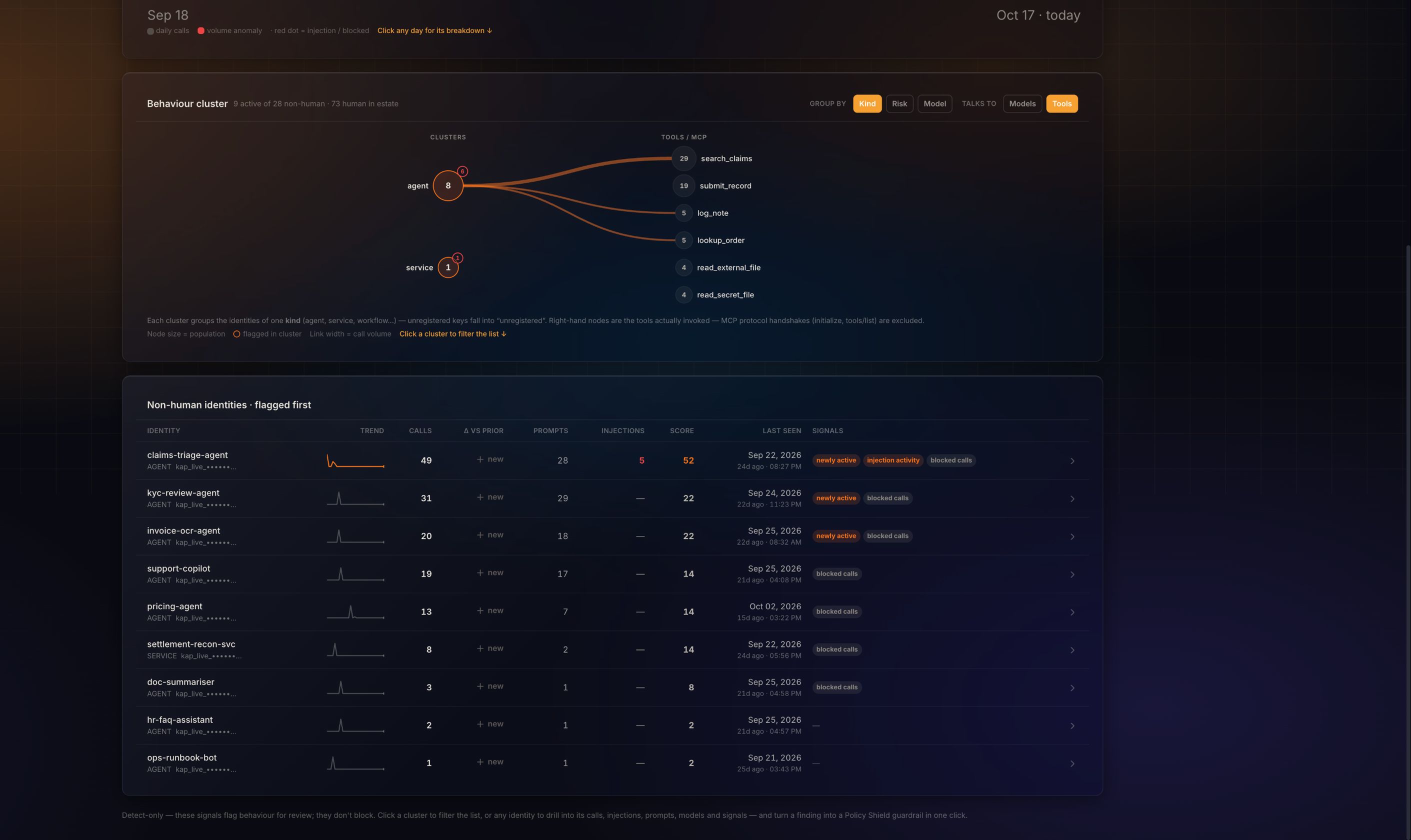
The identities no directory holds.
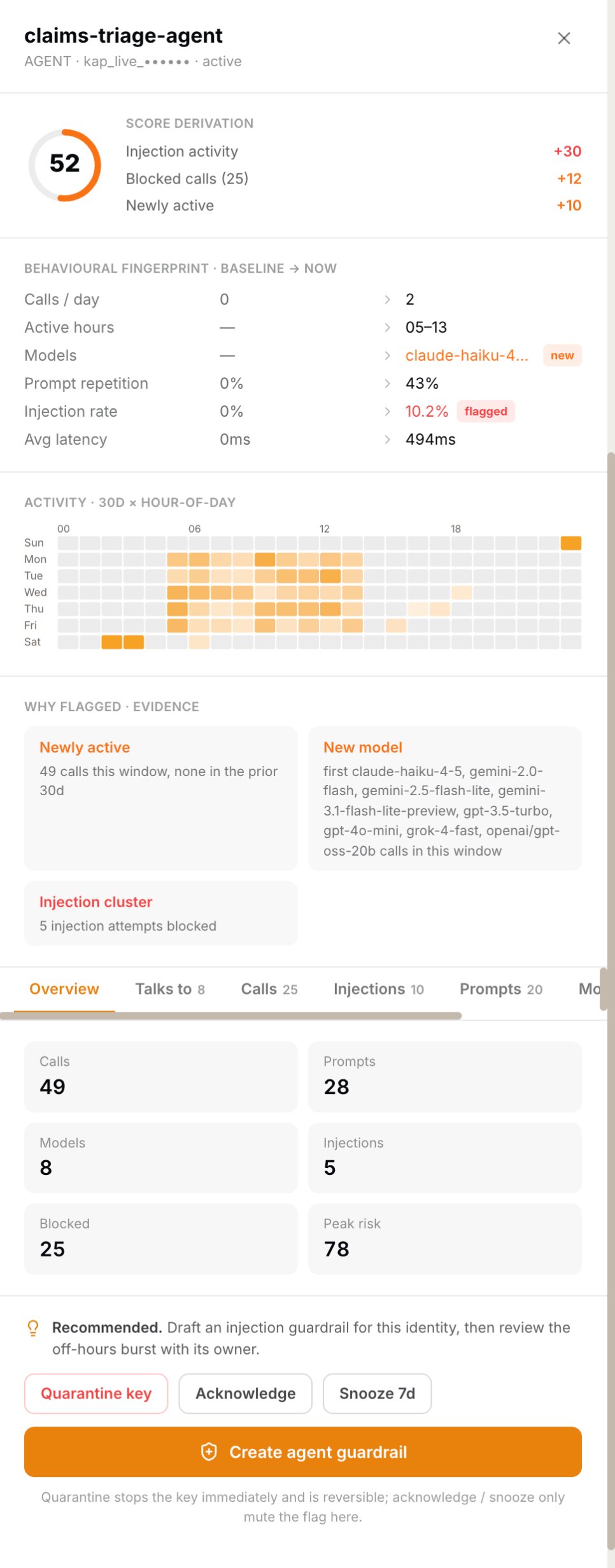
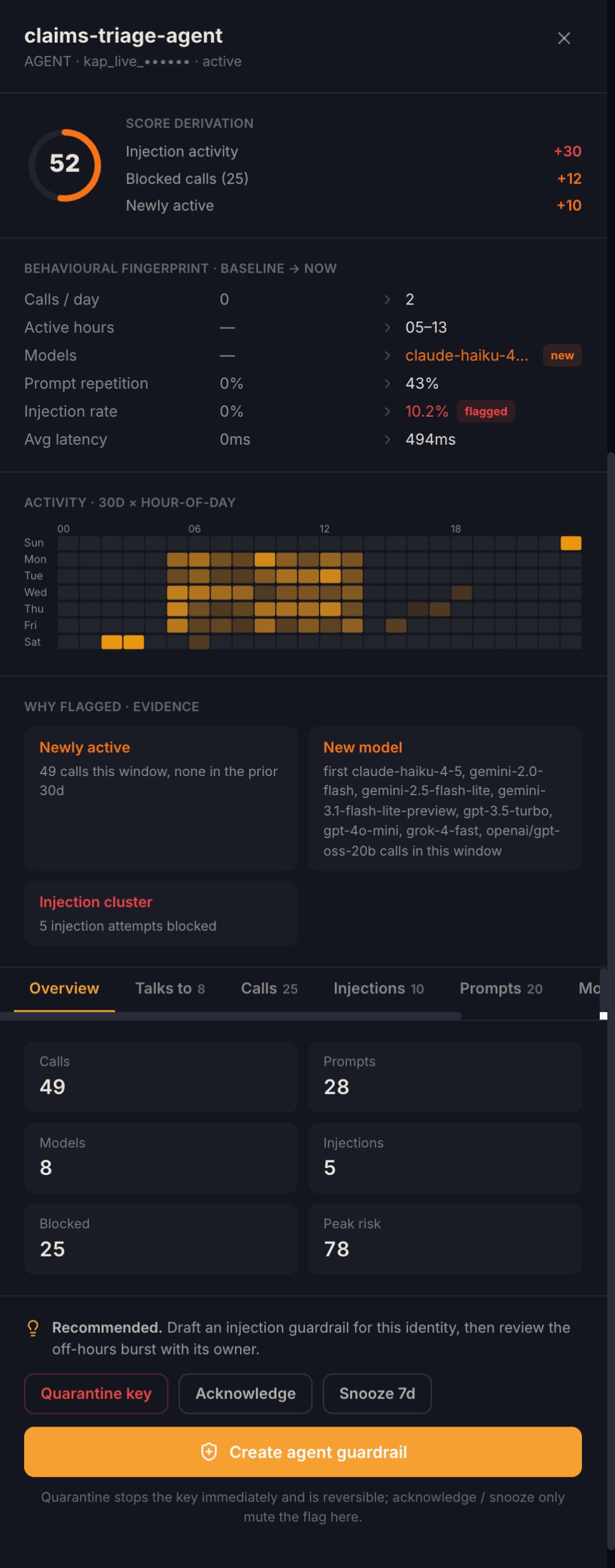
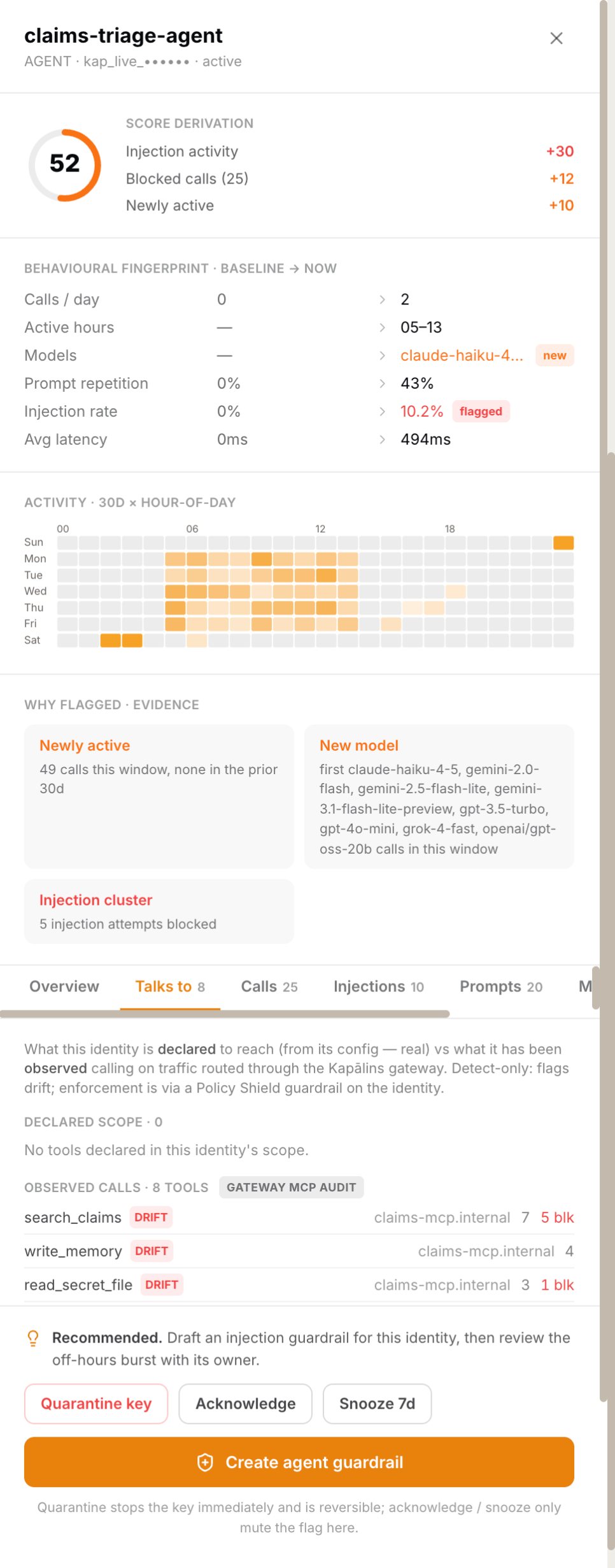
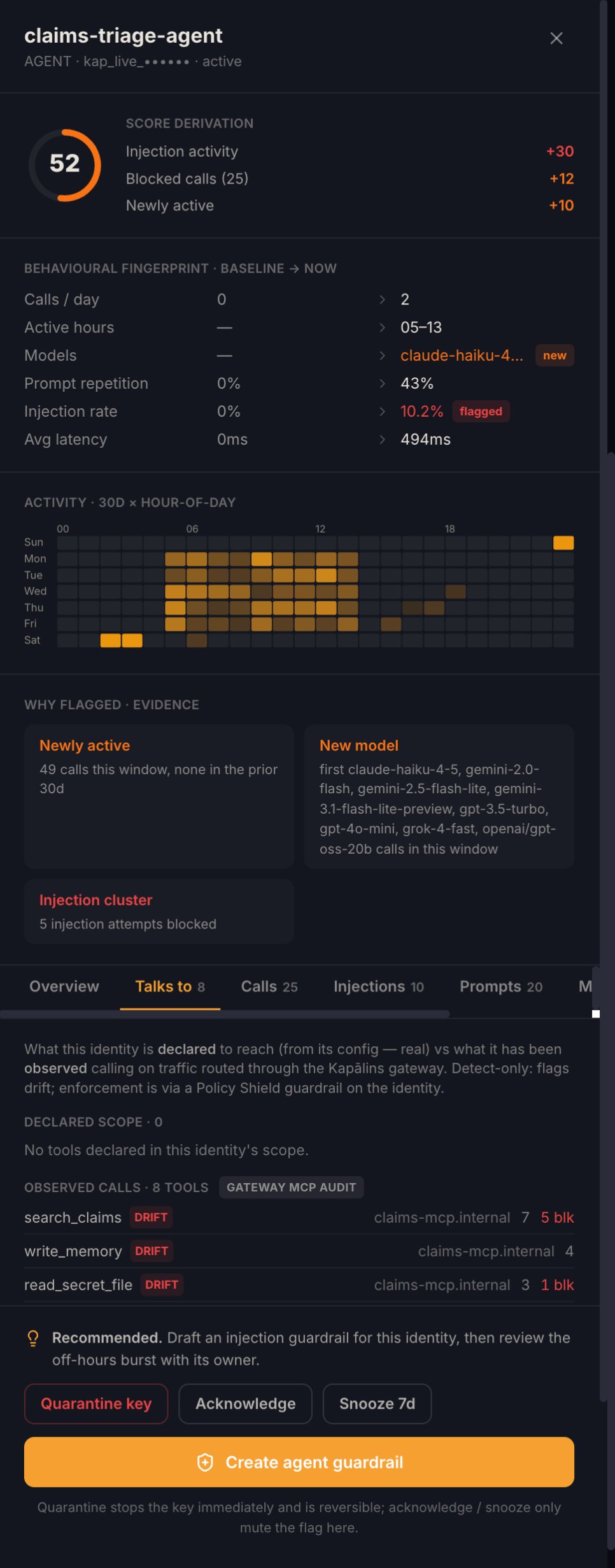
Ping Identity brings the people. Agents and service keys are in no directory, so Kapālins profiles each one from its own behaviour, flags the ones that drift, and shows the score line by line, beside the people Ping Identity provides.
- Calls, hours, models and injection rate against baseline
- Quarantine a key in one click, reversibly
The person, not a guess.
An incident names who did it and which group policy applied, so the review is a conversation with one person, not a hunt through logs.
- Roles in Kapālins assigned from your groups


Four steps.
- Create the SSO appAdd Kapālins as an OIDC application in Ping Identity and enter its client details in Kapālins.
- Turn on SCIMCreate a provisioning token in Kapālins and paste it into the app’s provisioning settings.
- Map groups to rolesChoose which groups become owners, administrators, analysts and members.
- Assign the appOnly people assigned to the Kapālins app are imported.
See Ping Identity governed in thirty minutes.
Bring the person who holds the credential. We connect it live and watch the first events land.
Questions buyers ask.
Does Kapālins write to my directory?
No. Provisioning flows one way, from your directory to Kapālins, and any grant sweep is read-only.
Which groups should I provision?
Only the groups that should use Kapālins. Assign the Kapālins app in Ping Identity to those groups and SCIM sends exactly them.
What happens when someone leaves?
The next SCIM push deactivates them, and every plane stops recognising their identity.